You have just received an interview invitation with a video call link for 9 a.m. on Thursday. No commute, no hunting for the office, so it sounds easier. But a crackling mic, an unstable connection or eyes that keep drifting down to your notes can cost you the first impression before you get to talk about what you do well. An online interview is not easier than an in-person one. The difference is that you are responsible for your own "interview room".
The job market for young people is not easy either: according to Vietnam's official statistics release on labour and employment for Q3 2026, the unemployment rate for people aged 15-24 was 9.07%, roughly four times the overall rate of 2.22%. Every interview is an opportunity worth preparing for properly.
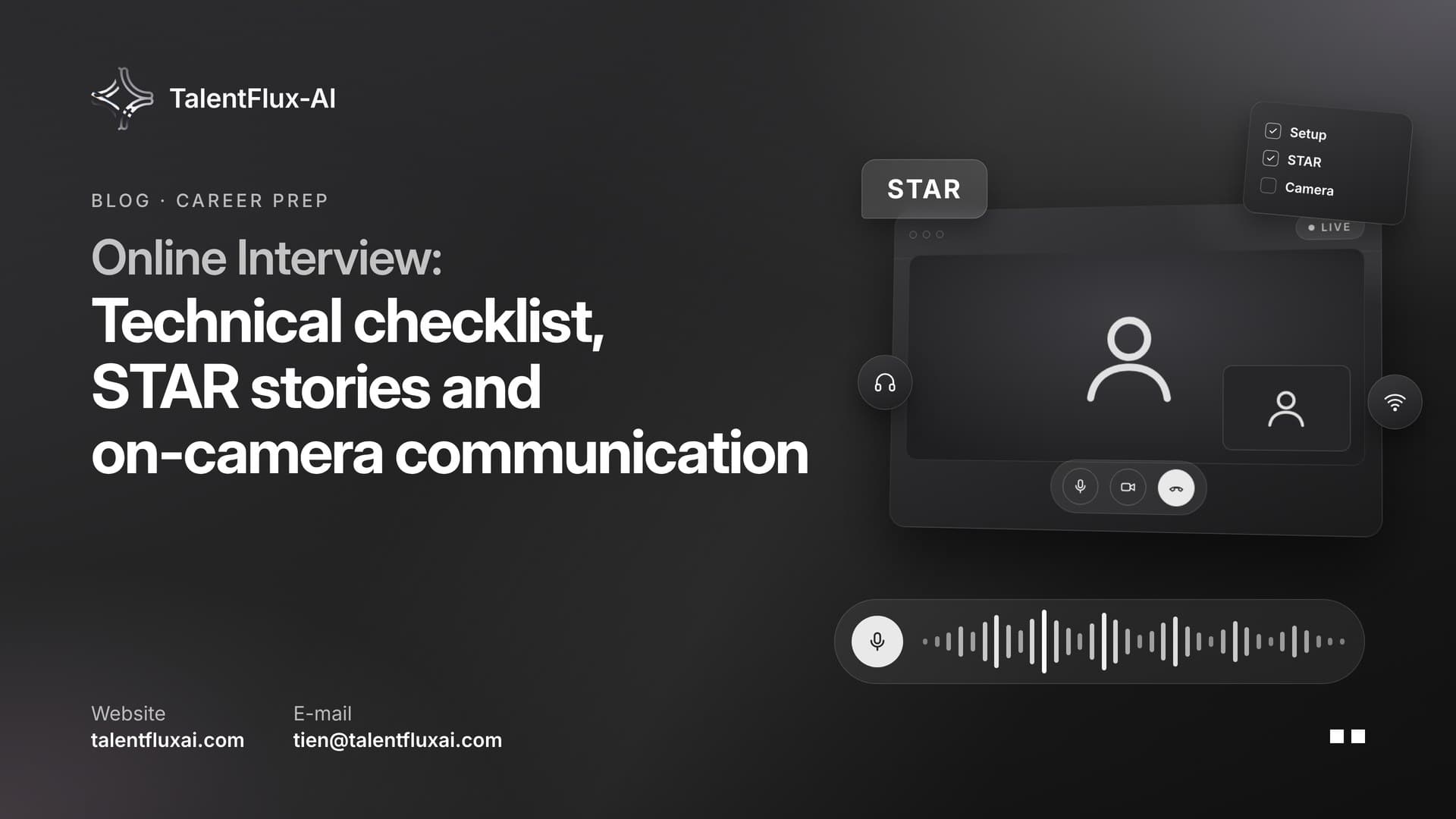
This article is a complete online interview checklist for students and early-career job seekers: technical preparation the day before, preparing your content with your own stories, communicating through a camera, using AI in the right place and handling problems during the interview.
1. How is an online interview different from an in-person one?
Most questions in an online interview are the same as in person. What changes is how the interviewer "reads" you:
- They only see a small frame. Body language shrinks to your face, eye contact, voice and the background behind you. Small details such as backlighting or noise become more noticeable.
- Lag interrupts the conversation. Two people easily talk over each other, or the silence lasts longer than usual.
- You are responsible for the tech. At the office, the company handles the meeting room. At home, the mic, camera, connection and space are up to you.
- Interviewers watch for authenticity. When candidates can open documents or tools on the side, interviewers pay attention to whether the answers are really yours (see section 5).
Understanding these differences tells you where to focus your preparation.
2. The day before: tech and space checklist
Most problems in online interviews can be avoided if you check in advance. Do the steps below at least one day before the interview, on the same device and in the same place you will sit.
Devices and connection
- Fully charge your laptop and keep it plugged in during the interview.
- Test your mic and speakers: call a friend and ask whether you sound clear and whether there is an echo.
- Use a headset with a mic if possible to reduce echo and noise.
- Check your internet speed where you will sit. Have a backup: a mobile hotspot from your phone.
- Close apps that use heavy data and turn off notifications.
Software and the link
- Open the link in the invitation email at least once beforehand. If an app is required, install it and sign in.
- Set a clear display name: your full name, no nicknames.
- Save the contact person's phone number or email so you can tell them right away if you cannot join.
- Note the time zone if the employer is in another country.
Space and lighting
- Choose a quiet place and let your family or roommates know in advance.
- Face the light source (a window or lamp) and avoid sitting with the light behind you.
- Place the camera at eye level, propping the laptop on a few books if needed. Frame yourself from the chest up.
- Keep the background tidy. If you use a virtual or blurred background, test it first so the edges do not glitch.
What to wear
Dress as you would for an in-person interview at that company, top and bottom (you might need to stand up). Avoid fine stripes, which can flicker on camera.
3. Preparing your content: your own stories
Good tech is only the minimum. What matters most is what you can say. Instead of memorising sample answers one by one, prepare 3-5 real stories from your experience and use them flexibly across many questions.
Stories worth having:
- A project you are proud of (a major assignment, a club project, a part-time job, an internship).
- A time you made a mistake or failed, and how you fixed it.
- A time you worked in a team with disagreements.
- A time you had to learn something new quickly.
Tell each story using the STAR structure:
| Part | What to say | Example (hypothetical) |
|---|---|---|
| Situation | Where and when it happened | A five-person market research project in third year |
| Task | What you were responsible for | I was in charge of the survey and data processing |
| Action | What exactly you did | Designed the questionnaire, piloted it with 10 classmates, fixed confusing questions before sending it widely |
| Result | What happened and what you learned | Collected enough responses on time, and the team used the data in the final presentation |
Once your stories are ready, you will not need a script. You only need to remember the key points and tell them in your own words. To see how this applies to specific questions, read 20 common interview questions and how to answer them effectively.
Also prepare:
- A self-introduction of about 60-90 seconds.
- Two or three questions to ask the employer, for example: "What does a typical day in this role look like?"
- Reread the job description and write down the three main requirements, with a story that shows you meet each one.
4. During the interview: communicating through a camera
Join 5-10 minutes early
Enter the waiting room early to check sound and video one last time. Keep a glass of water and your CV in front of you.
Look at the camera when you speak
By reflex, we look at the interviewer's face on the screen. But to the other person, you appear to be looking down. When you speak, look at the camera. When you listen, you can look at the screen. A small trick: shrink the call window and drag it right below the camera.
Speak a little slower and pause clearly
Lag can cut off your words. Speak slightly slower than usual, and pause fully when you finish so the interviewer knows it is their turn. If you talk over each other, invite them to go first.
Short notes, no reading
A sheet of paper with a few keywords for each story is enough. Reading word for word from the screen is easy to spot because your eye movement and rhythm change.
Mind your expressions
Nod and smile while listening. On camera, expressions need to be slightly clearer than in real life so the other person can tell you are focused.
5. Using AI the right way: practise beforehand, no live prompting
AI is a great preparation tool, but using it at the wrong moment can cost you the opportunity. A 2026 survey by the Institute of Student Employers (ISE) in the UK found that:
- 92% of graduate employers suspected or confirmed misconduct during recruitment, up from 85% the year before.
- 66% had seen at least one candidate misuse AI during an interview, the most common form.
- 47% had seen AI used in online assessments.
According to a summary of the same survey, 82% of employers now give guidance on acceptable AI use, and many accept AI help with CVs and cover letters. The line they draw is at interviews and assessments. A recruiter quoted in the coverage describes signs that are easy to spot: pausing before every answer, lots of filler phrases and overly formal wording, as if reading from a script.
The survey was conducted in the UK, but the trend is worth noting for job seekers in Vietnam, especially when applying to foreign companies or going through online interview rounds.
Use AI to:
- Practise mock interviews: answer common questions out loud and get feedback on length, structure and phrasing.
- Review your STAR stories to see whether they are specific enough.
- Research the industry and role so you can ask better questions.
Do not use AI to:
- Listen to questions and display answers while the interview is happening.
- Read AI-written answers word for word.
The effective way to practise is to rehearse out loud until you can tell your stories naturally. Practice mock interviews with AI: 4 steps to prepare confidently explains how in detail.
6. Handling problems during the interview
Even with good preparation, problems can still happen. Interviewers are usually understanding about technical issues. What they notice is how calmly and proactively you handle them. Keep a few phrases ready:
| Situation | Suggested phrase |
|---|---|
| You did not hear the question clearly | "Sorry, the connection just cut out. Could you repeat the question, please?" |
| Video freezes but audio still works | "My video has frozen. May I turn off my camera for a few seconds to reconnect?" |
| You drop out of the call | Rejoin immediately and send a short message or email: "I just lost connection and am rejoining now." |
| You need time to think | "That's a good question. Let me take a few seconds to organise my thoughts." |
| Sudden noise | "Sorry about the noise. I'll mute for a moment and be right back." |
If the connection is too weak, proactively suggest switching to mobile data or a phone call instead of struggling through a broken conversation.
7. After the interview: thank-you email and notes
- Send a thank-you email within 24 hours. Keep it short, mention one point you found interesting in the conversation and confirm your interest in the role.
- Write down the questions you were asked and where your answers were weak. This is valuable practice material for next time.
- Track your progress. If you are applying to several places, note the interview date, contact person and expected response date so you can follow up at the right time.
A quick checklist to save:
- Opened the link and installed the app
- Tested mic, camera and headset
- Mobile data backup ready
- Camera at eye level, facing the light
- 3-5 STAR stories and a 60-90 second introduction
- 2-3 questions to ask the employer
- Contact person's phone number or email saved
- Joining 5-10 minutes early
8. Frequently asked questions
Can I use notes in an online interview?
You can keep a sheet of paper with a few keywords. Avoid reading word for word, because your eye movement and rhythm will change and the interviewer can easily tell.
Should I use a laptop or a phone for an online interview?
Use a laptop placed on a stable surface for a steady frame. If you have to use a phone, place it horizontally on a stand rather than holding it.
Will I be rejected if my connection drops mid-interview?
Technical issues are usually understood. What matters is that you rejoin quickly, let the contact person know and carry on calmly.
Should I use AI to prepare for an online interview?
Yes, if you use it to practise and get feedback before the interview. Do not use AI to prompt your answers during the interview.
Conclusion
A successful online interview comes from two things: a well-tested "interview room" and real stories you can tell in your own words. Run the tech checklist the day before, prepare 3-5 STAR stories, look at the camera when you speak and use AI to practise beforehand, not to feed you answers. You can also read 6 job interview tips for beginners for more complete preparation.
Want to speak fluently in your next interview? The Career Prep module on TalentFlux-AI includes mock interviews, CV tools and a cover letter generator so you can prepare fully. Try it free at talentfluxai.com.